

The app that helps you feel better
about yourself.
Whether you’re seeking motivation in times of uncertainty, managing an illness, pushing your limits in sports, or simply in need of a daily dose of encouragement, our app is here to inspire you, no matter where you are!



How it works?
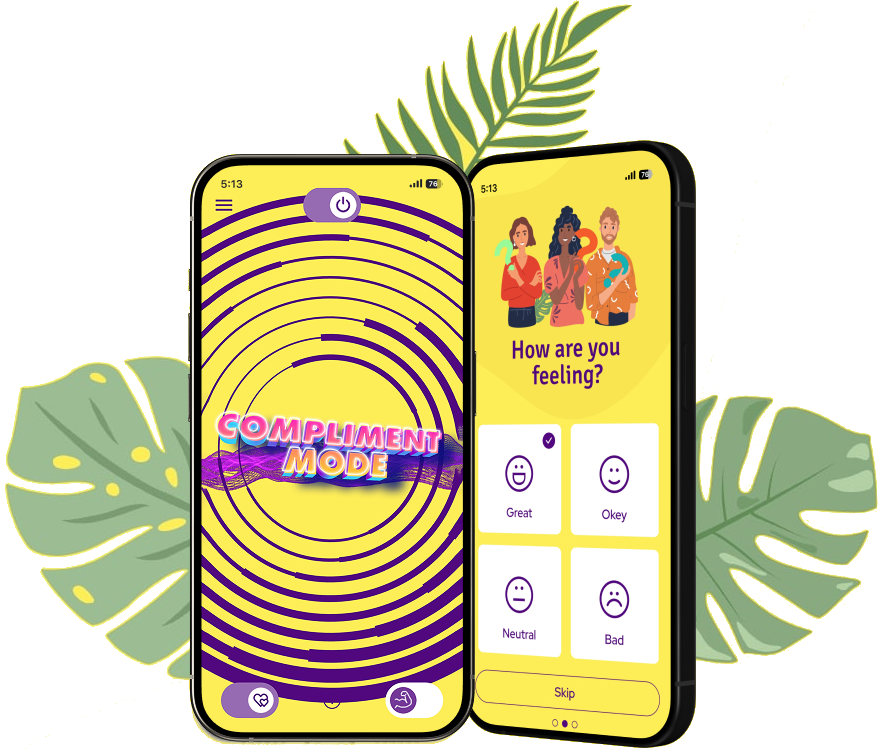
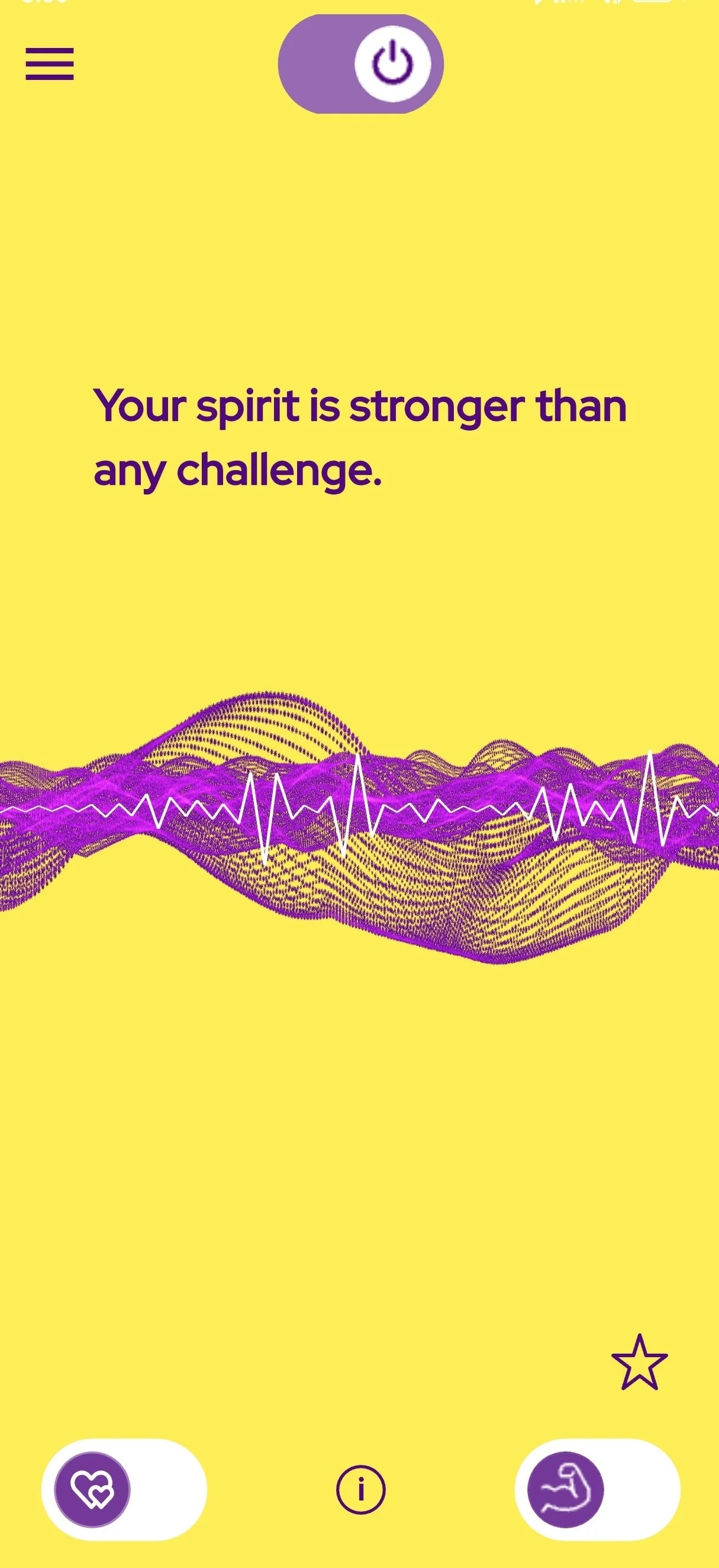
Robora app delivers uplifting voice messages designed to enhance your mood and provide your subconscious mind with the right inputs to cultivate a positive mindset. You have the options to specify your current mood and its triggers, and the app will adjust the voice messages accordingly. Read more
How to use it?
You can use Robora app during many activities. Whether you're listening to music, working out, meditating, walking, or cooking, the possibilities for integrating Robora app into your life are nearly endless. By adjusting your preferred frequency of voice messages, you can optimize your sessions for your current activity. Robora app remains active in the background when enabled, allowing you to engage in multiple tasks simultaneously.
Download Robora app and discover
the difference it can make in your life!
Features

Robora app is multilingual, allowing users to enjoy it in their preferred language. Available languages: English, Spanish, Chinese, Japanese, French, Hindi, Arabic, Portuguese.


Customize your experience by selecting your current mood - whether you're feeling good, okay, bad, or neutral - and pinpoint the reasons behind your feelings, such as career, health, relationships, or progress.
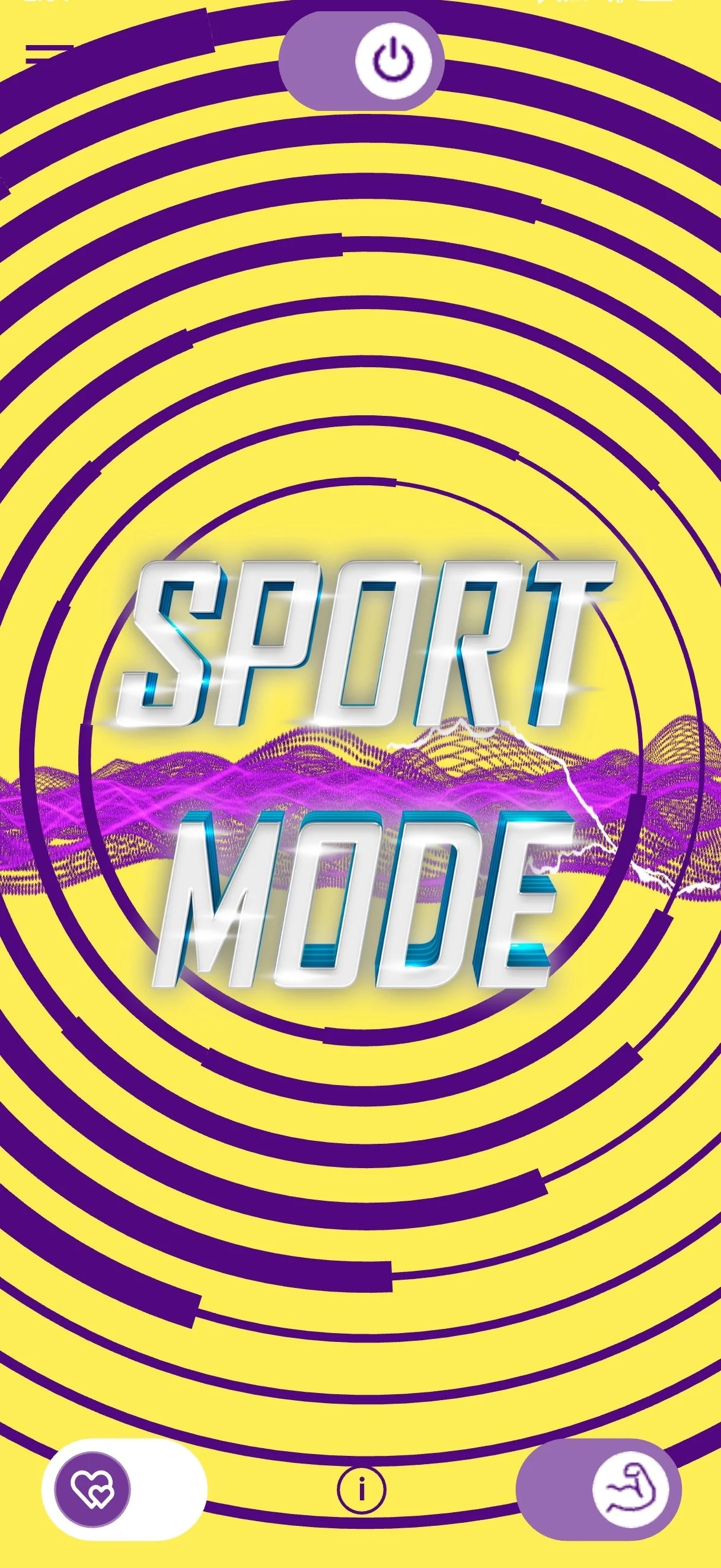

For those who engage in physical activity, the
Sport Mode button is a game-changer. It sends motivational messages during your training sessions, acting like a personal trainer in your pocket. We recommend pairing it with your favorite music for the best experience!
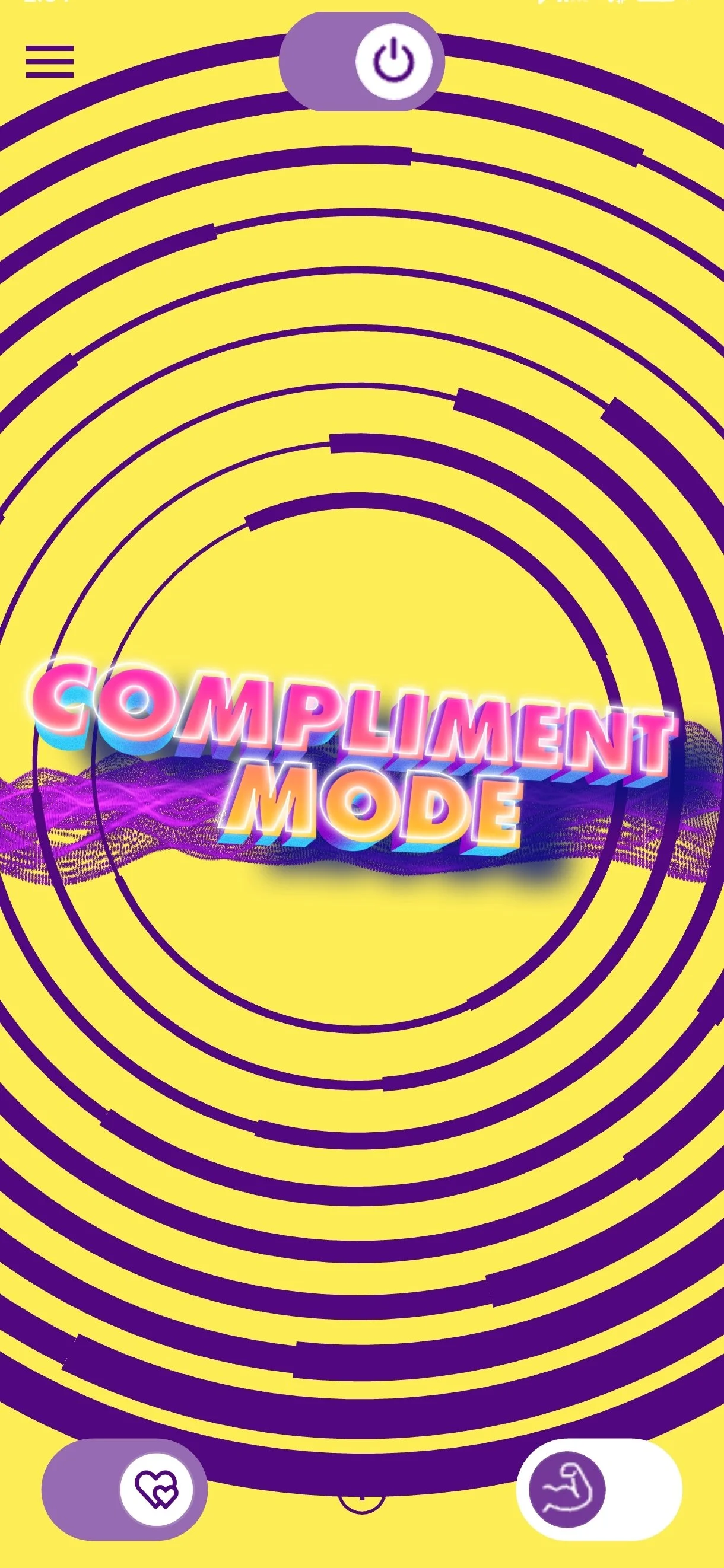
We recognize that many people have insecurities about their appearance, which is why the Compliment Mode feature was created to bring a smile to your face as quickly as possible.
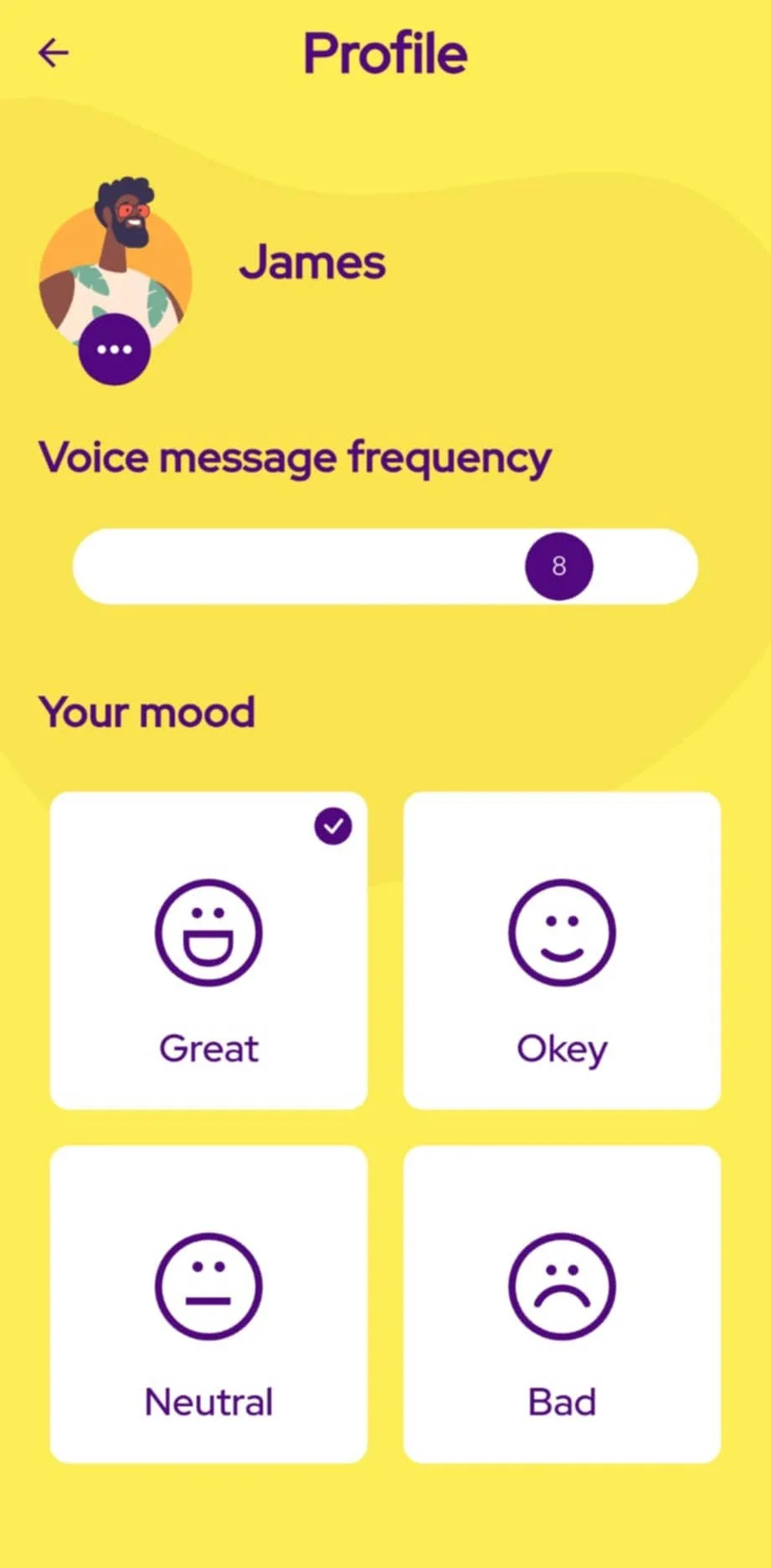
The Voice message frequency setting allows you to personalize how often you receive voice messages, making it ideal for those who want to slow down for maximum impact.


The Favorites menu provides quick access to your saved voice messages, where you can replay them anytime.
Frequently Asked Questions
(FAQ)
-
Robora app sends motivational voice messages to help boost your mood and keep you motivated throughout the day. You can set your mood and the causes of your mood, and the app will tailor the messages accordingly.
-
Simply activate the app by turning on the switch at the top of the main page. You’ll receive uplifting voice messages at random intervals to inspire you in various aspects of life, including physical activities, personal growth, health, and mental well-being.
-
When you open the app, you'll be prompted with the question, "How are you feeling?" Here, you can choose from options such as good, okay, neutral, or bad. The next question, "What makes you feel this way?" allows you to select the reasons behind your feelings, including options like career, health, relationships, and progress.
Alternatively, you can adjust your mood and causes by navigating to the Profile menu, where you can make changes at any time.
-
To enable the Sport Mode, navigate to the main page and locate the switch button featuring a little muscle hand icon at the bottom of the page; simply toggle it on or off as desired.
-
To activate Compliment Mode, simply skip the first two questions when you open the app. Additionally, users can toggle Compliment Mode on or off with a button next to the Sport Mode button.
-
You will receive voice messages randomly. You can customize how often you want to receive voice messages by adjusting the slider in the 'Voice message frequency' section, located in the Profile menu of the app.
-
You can save your favorite messages by tapping the star icon, located in the lower right corner of the main page, just above the Sport Mode button. Saved messages can be accessed anytime in the Favorites menu.
-
The app offers a free basic version that allows users to use the app for 2 minutes every day. For unlimited access users have to subscribe to the premium plan. Details of the subscription plans are available in the Subscription menu of the app.
-
To register, navigate to the Profile menu and scroll down to find the Log In button. Click on it to open the Log In page. At the bottom of this page, just above the Log In button, you'll see the question 'Don't have an account?' Click on 'Register' to be directed to the registration page.
-
If you want to log in, log out, or delete your account, go to the Profile menu in the app. Once you're in the Profile menu, scroll down to the bottom of the page. Here, you will find the 'Log In', 'Log Out', and 'Delete Account' buttons. Use these buttons to manage your account, whether you need to log in, log out, or delete your account entirely.
-
If you need assistance, please contact our support team through the Help menu in the app or go to www.roboraapp.com/contact
-
We take your privacy seriously. All your data is securely stored. For more details, please read our Privacy Policy.